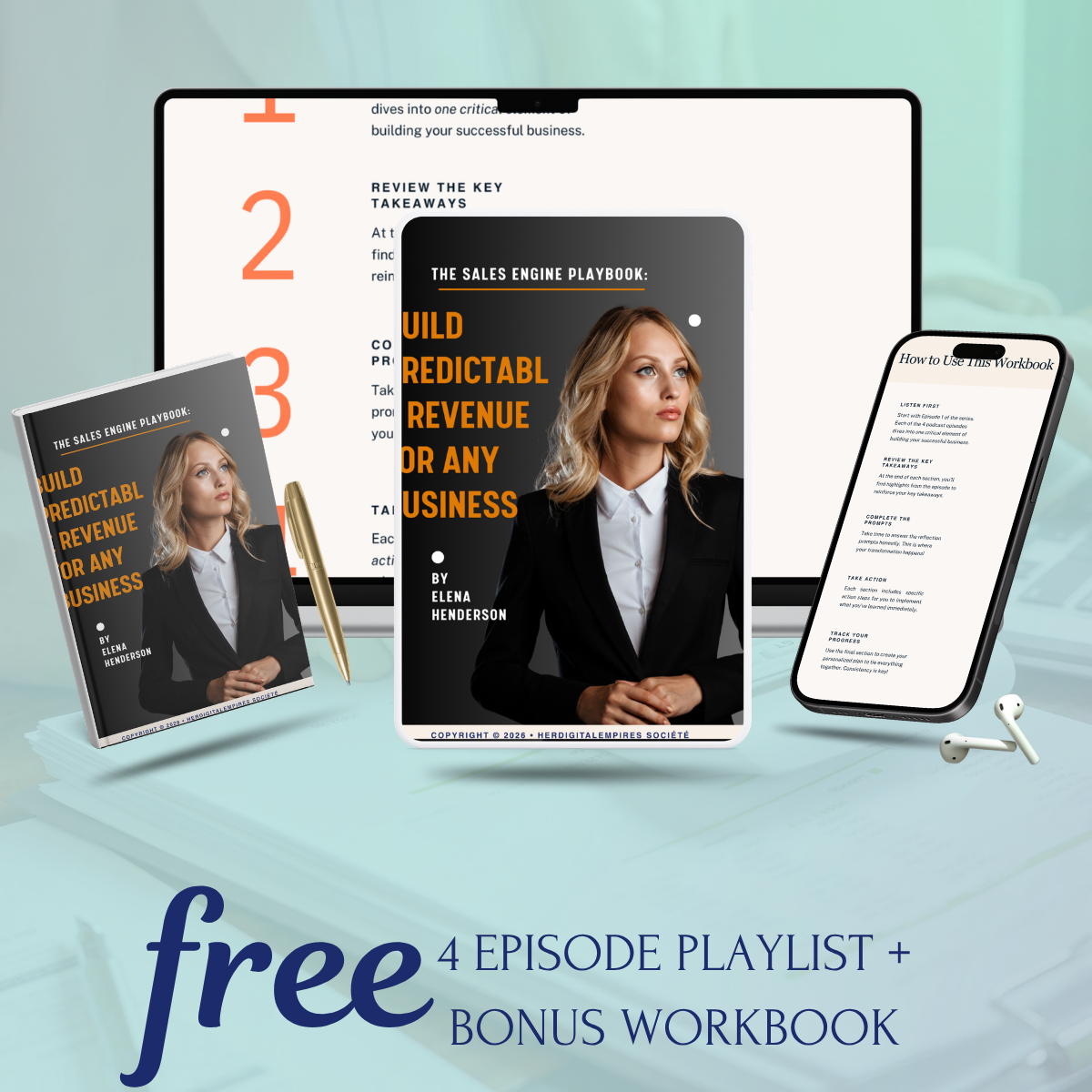
Digital products are the closest thing to a perfect business model that exists. You create something once, and it sells over and over again — automatically, 24 hours a day, without you lifting a finger. No inventory, no shipping, no manufacturing costs, no minimum order quantities.
I’ve built my entire business on digital products, and in this guide I’m going to show you exactly how to do the same — from picking the right product idea to creating it, pricing it, and setting up a system to sell it while you sleep.
What Are Digital Products?
A digital product is any product that exists in digital form and is delivered electronically. The buyer pays, and immediately receives a download link or access to the product — no physical delivery required.
Common types of digital products include:
- Ebooks and PDF guides — Detailed guides, how-to books, recipe books
- Templates — Canva templates, email templates, resume templates, spreadsheet templates
- Printables — Planners, trackers, journals, worksheets, wall art
- Online courses — Video-based or PDF-based training programs
- Stock photos and graphics — Photography, illustrations, icon packs
- Music, sound effects, and audio — Beats, jingles, meditation tracks
- Software and apps — Plugins, apps, SaaS tools
- Presets and filters — Lightroom presets, Instagram filters
Step 1: Find Your Profitable Digital Product Idea
The most common mistake beginners make is creating a product they want to make rather than one people want to buy. Validation before creation is the golden rule of digital product business.
Here’s how to find a profitable idea:
Method 1: The Problem → Solution Framework
Think about the specific audience you serve. What problems do they struggle with daily? What are they Googling, asking in Facebook groups, venting about on Reddit? Your product should be the solution to a specific, painful problem.
Method 2: Keyword Research
Use free tools like Google’s autocomplete, AnswerThePublic, or the Etsy search bar to see what people are actively searching for. High search volume + low competition = opportunity.
Method 3: Spy on What’s Already Selling
Search Etsy for “digital download” in your niche. Sort by “Best Selling.” Look at what’s selling well and think about how you could create something better or more specific.
Step 2: Create Your Digital Product
The tool you use depends on the type of product:
For Ebooks and PDF Guides:
Canva is by far the easiest tool for creating beautiful ebooks without any design experience. They have hundreds of ebook templates — pick one, customize it with your brand colors and content, and export as PDF. Alternatively, Google Docs or Microsoft Word works fine for text-heavy guides.
For Canva Templates:
Create your templates inside Canva, then share them via a Canva template link. When buyers click the link, they get their own editable copy — you keep the original. Canva Pro ($15/month) gives you access to all premium elements, which will elevate your templates significantly.
For Printable Planners and Trackers:
Canva again is the industry standard. Create your planner pages, export as high-resolution PDF (at least 300 DPI for print quality), and you’re done.
For Online Courses:
Record videos with Loom (free) or screen recording software. Host on Teachable, Kajabi, or simply create a password-protected page on your website with embedded videos.
Step 3: Price Your Digital Product Correctly
Pricing digital products is counterintuitive to most beginners. Most people underprice dramatically — charging $5 or $7 for something that could easily command $27 or $47.
Pricing Guidelines:
- $7-$27 — Simple templates, single printables, short PDF guides (under 30 pages)
- $27-$67 — Comprehensive guides, template bundles, detailed workbooks
- $67-$197 — Full ebook systems, extensive template packs, mini-courses
- $197-$997+ — Full online courses, coaching programs, complete systems
Don’t be afraid to price based on value, not effort. A one-page Canva template that saves someone 5 hours of design work is easily worth $15-$27, even though it took you 30 minutes to create.
Step 4: Choose Where to Sell
Option 1: Etsy
Etsy has built-in traffic of millions of buyers. The platform takes a listing fee ($0.20/item) plus a transaction fee (6.5%) and payment processing fee. For beginners, Etsy is often the fastest path to first sales because you don’t need your own audience.
Option 2: Your Own Website
Selling on your own site (via WordPress + WooCommerce, Shopify, or payment processors like Paddle or Gumroad) means higher margins and full control. But you need to drive your own traffic.
Option 3: Gumroad
Gumroad is one of the simplest platforms for selling digital products. Create an account, upload your file, set a price, and you have a sales page in minutes. They take a percentage of each sale but have no monthly fees.
Option 4: Payhip
Similar to Gumroad with a free plan. Great for beginners who want a simple setup.
Step 5: Write a Sales Page That Actually Converts
Your product could be incredible, but if your sales page doesn’t communicate its value, nobody will buy. A high-converting sales page for a digital product needs:
- A compelling headline — Focus on the outcome or transformation, not the product itself
- Clear description of what’s included — Be specific about what they get
- Social proof — Reviews, testimonials, download numbers
- Answers to objections — Address “will this work for me?” questions
- Clear price and call to action — Make it obvious what to do next
- Guarantee — A 30-day refund policy removes risk and increases conversions
Step 6: Drive Traffic to Your Product
Traffic is the lifeblood of any digital product business. Your main options:
Pinterest — One of the best free traffic sources for digital products. Create visually appealing pins that link to your product or blog posts about your product’s topic. Pinterest is a search engine, not just a social network — pins can drive traffic for months or years.
SEO Blogging — Write helpful content on topics your target customer searches for. Include links to your product within the posts. This is the highest-ROI long-term strategy.
Instagram and TikTok — Short-form content showing the “before and after” of using your product, or educational content related to what your product solves. Use stories and reels to drive traffic to your link in bio.
Email Marketing — Build an email list from day one. Offer a free lead magnet (a mini version of your product) to get people to subscribe, then nurture them with valuable content and periodic offers.
Paid Ads (Facebook/Instagram/Pinterest) — Once you’ve validated that your product converts organically, ads can scale your sales significantly. Start with a small daily budget ($10-$20) and test different audiences and creatives.
Common Mistakes to Avoid
- Creating without validating — Always confirm demand before spending time creating
- Underpricing — Charge what it’s worth, not what feels comfortable
- Ignoring the sales page — Your product lives or dies by how well it’s positioned
- No email list — Social platforms can disappear; your email list is yours forever
- Giving up too soon — Most successful digital product businesses took 6-12 months to gain real traction
Key Takeaway
Creating and selling digital products is one of the most accessible paths to passive income available today. The formula is simple: find a problem, create the solution, price it correctly, and put it in front of the right people. The only thing stopping you is starting.
Ready to Build Your Digital Empire?
Get the complete Wealthpreneur blueprint — 12 chapters with everything you need to launch, grow, and profit from your online business.